Overview
TablePlus is a modern, native database tool with a clean UI. You can use it to manage many databases at the same time, including PostgreSQL, MySQL, SQLite, Microsoft SQL Server, and more.
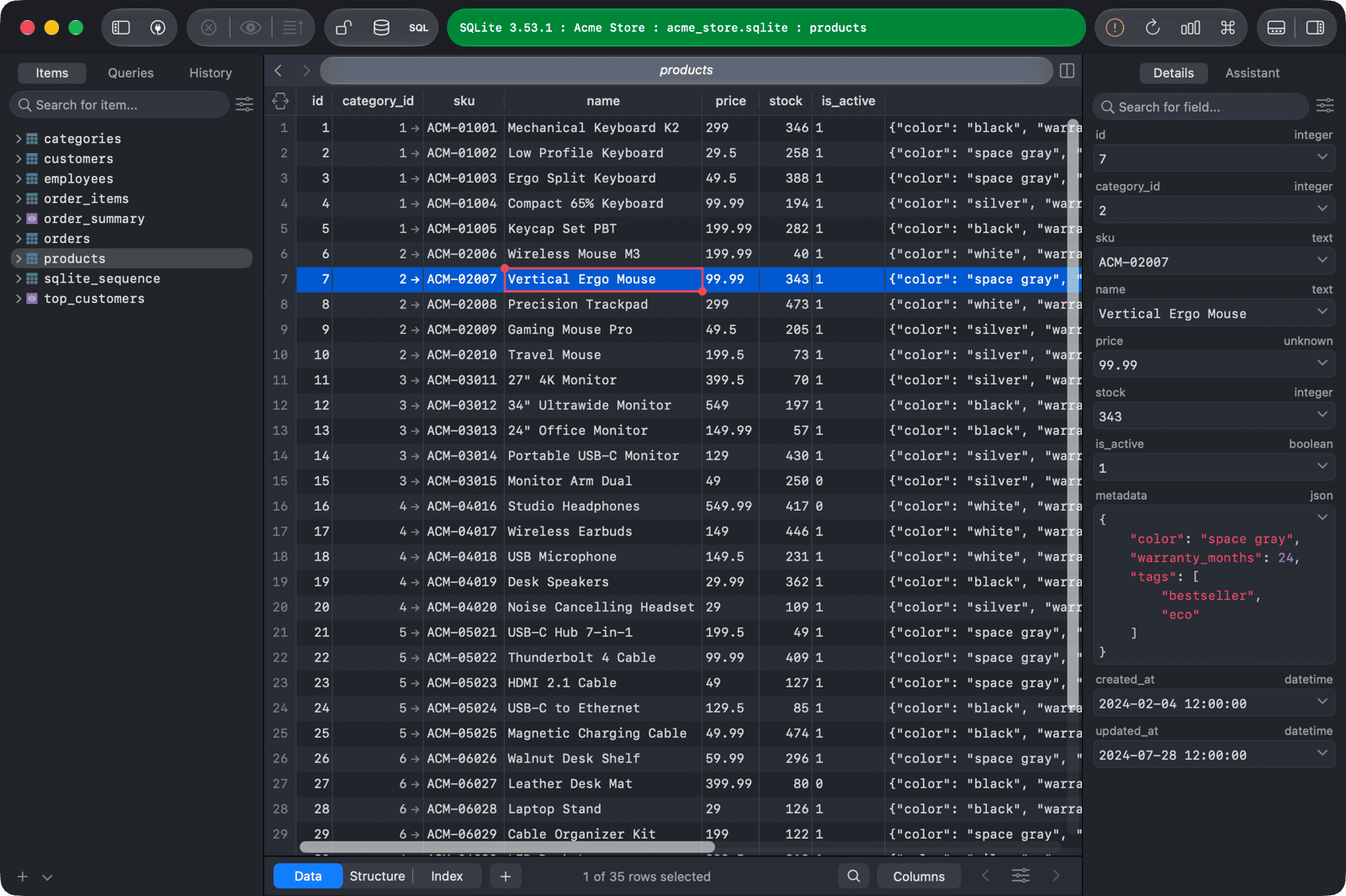
Supported databases
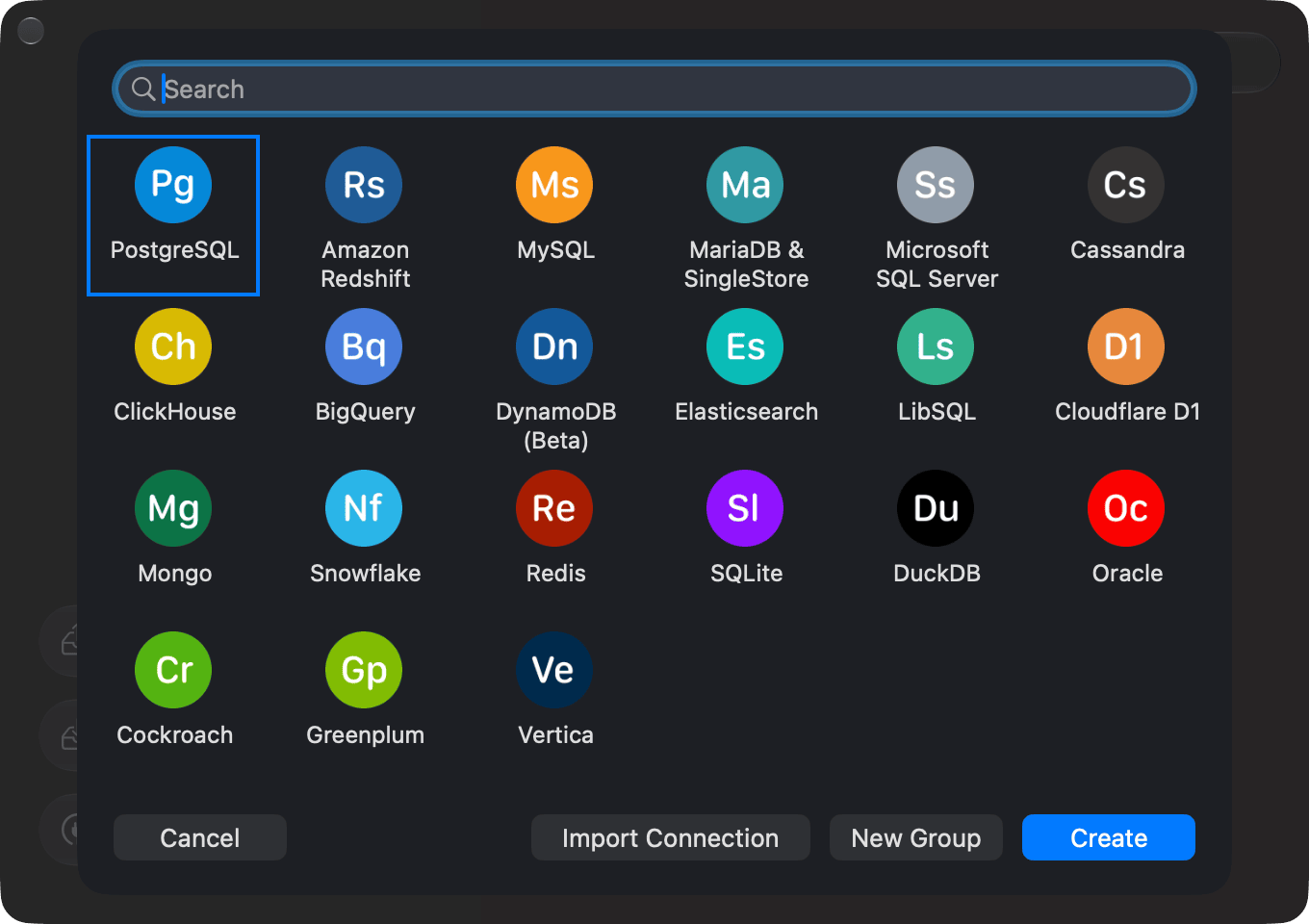
When you create a new connection, you can choose from these databases:1
- PostgreSQL
- Amazon Redshift
- MySQL
- MariaDB and SingleStore
- Microsoft SQL Server
- Cassandra
- ClickHouse
- BigQuery
- DynamoDB (Beta)
- Elasticsearch
- libSQL
- Cloudflare D1
- MongoDB
- Snowflake2
- Redis
- SQLite
- DuckDB
- Oracle3
- CockroachDB
- Greenplum
- Vertica
You can also connect to databases that use the same protocol as one of the databases above, such as Percona or YugabyteDB.
Download and install
macOS
- Download link: https://tableplus.com/release/osx/tableplus_latest
- Requirements: macOS 12 Monterey or newer
If you see the error "The package is damaged" when installing the app, your macOS version is probably not supported. TablePlus requires macOS 12 or newer.
Windows
- Download link: https://tableplus.com/release/windows/tableplus_latest
- Requirements:
- Windows 7 or newer
- .NET 4.8 or newer
The TablePlus installer includes a compatible version of .NET. It checks your machine and installs .NET if it's missing.
Linux
- Download link: https://tableplus.com/linux
iOS
- Download link: https://tableplus.com/ios
- Requirements: iOS 12.0 or newer
Old builds
You can download older builds from the changelog:
Data collection
TablePlus never sends or stores your data on our servers. All database credentials are kept on your device; passwords are stored in the macOS Keychain.
TablePlus stores your email address on our server in the US for license management only. The device identification is a one-way hash and doesn't contain any private information about your device.
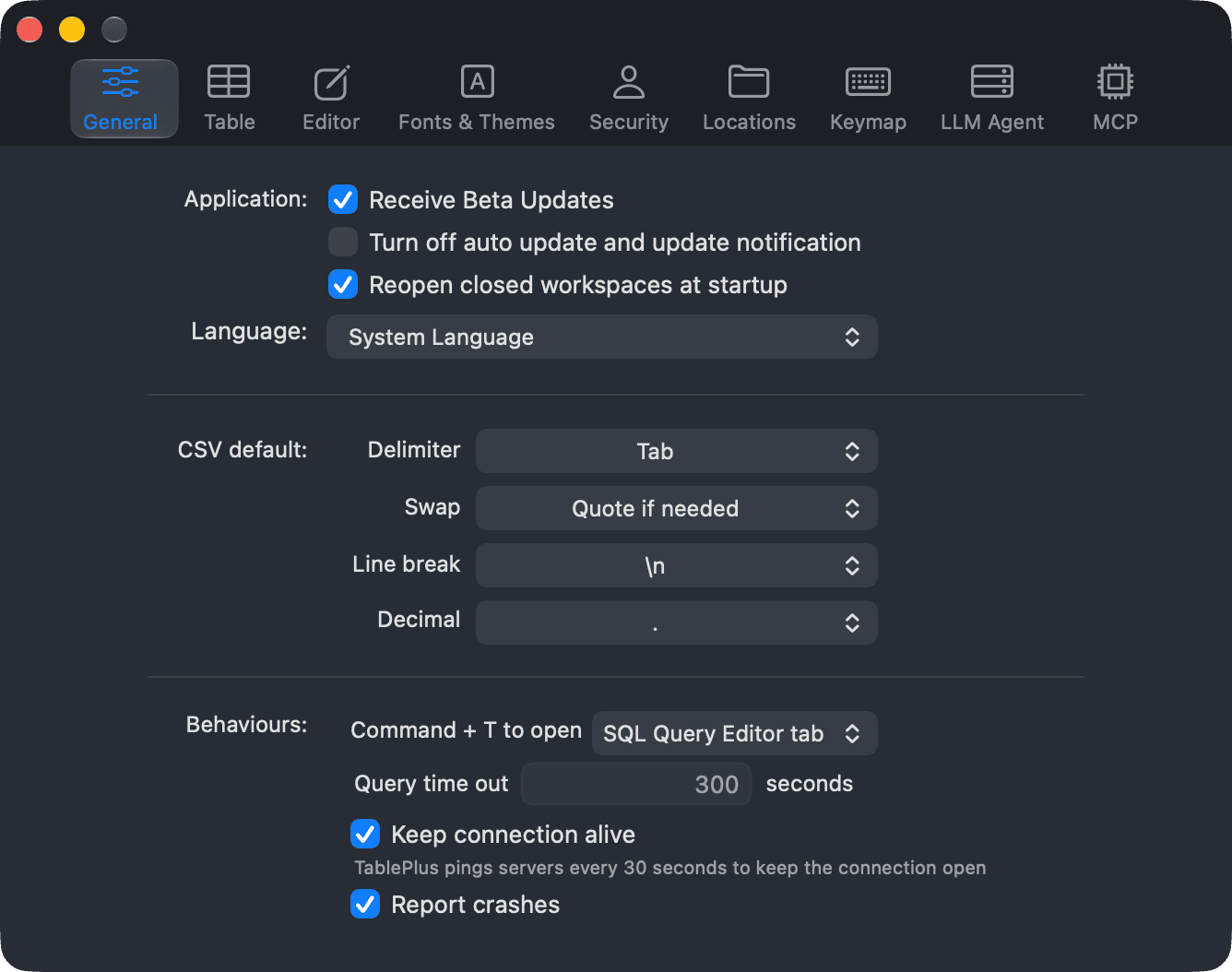
TablePlus sends crash reports so we can fix bugs. You can turn this off in Preferences > General by unchecking Report crashes (this requires a license).
If you use the AI assistant, TablePlus sends your prompts directly to the LLM provider or agent you configured. Nothing goes through our servers.
For more information, see:
TablePlus Beta
TablePlus is updated often. Beta builds are released even more often, so you can try new features and fixes before they are officially released.4
To opt in:
- Open Preferences (
⌘ + ,) and go to the General tab. - In the Application section, check Receive Beta Updates.
If you find a regression in a beta, please send us a detailed bug report. On macOS, you can open the issue tracker from Help > Report bug & feedback (⌘ + ?).
- macOS: https://github.com/TablePlus/TablePlus/issues
- Windows: https://github.com/TablePlus/TablePlus-Windows/issues
- Linux: https://github.com/TablePlus/TablePlus-Linux/issues
- iOS: https://github.com/TablePlus/TablePlus-iOS/issues
As with any pre-release software, use the beta at your own risk.